
THE LOVEBUD MOBILE WEB APPYour world.
Your world.
One tap away.
Add LoveBud to your Home Screen for shopping, delivery, messages, Reels and live video. Enable notifications inside the web app.
Free to add • iPhone & Android
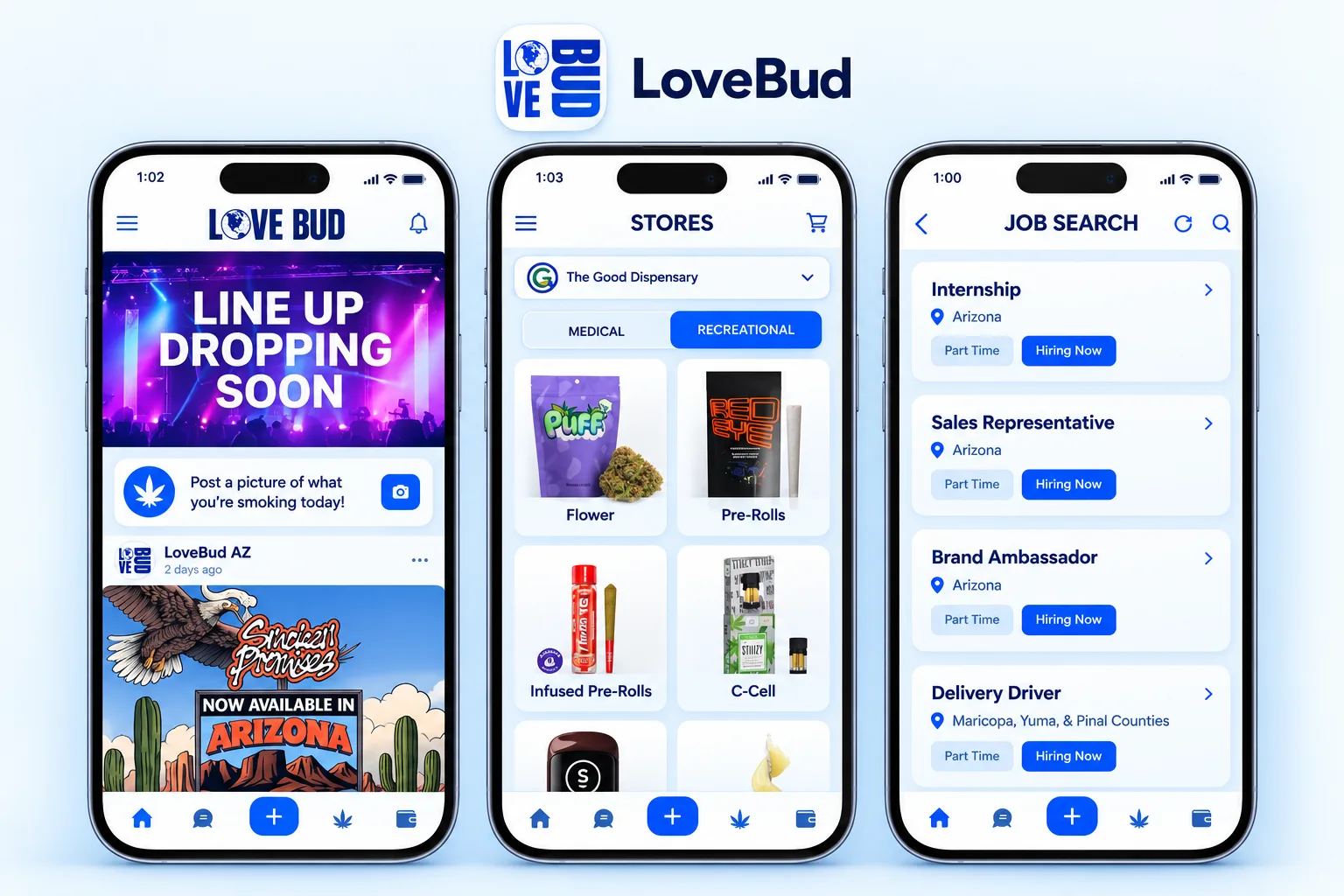
READY IN A FEW TAPS
Add LoveBud to Home ScreenOpen LoveBud nowAdd the icon. Enable alerts.
Open LoveBud, tap Add to Home Screen and follow your phone’s confirmation. Then open the LoveBud icon and tap Enable notifications.
On iPhone, use Safari’s Share menu → Add to Home Screen → Add. On supported Android browsers, the button opens the Install prompt.